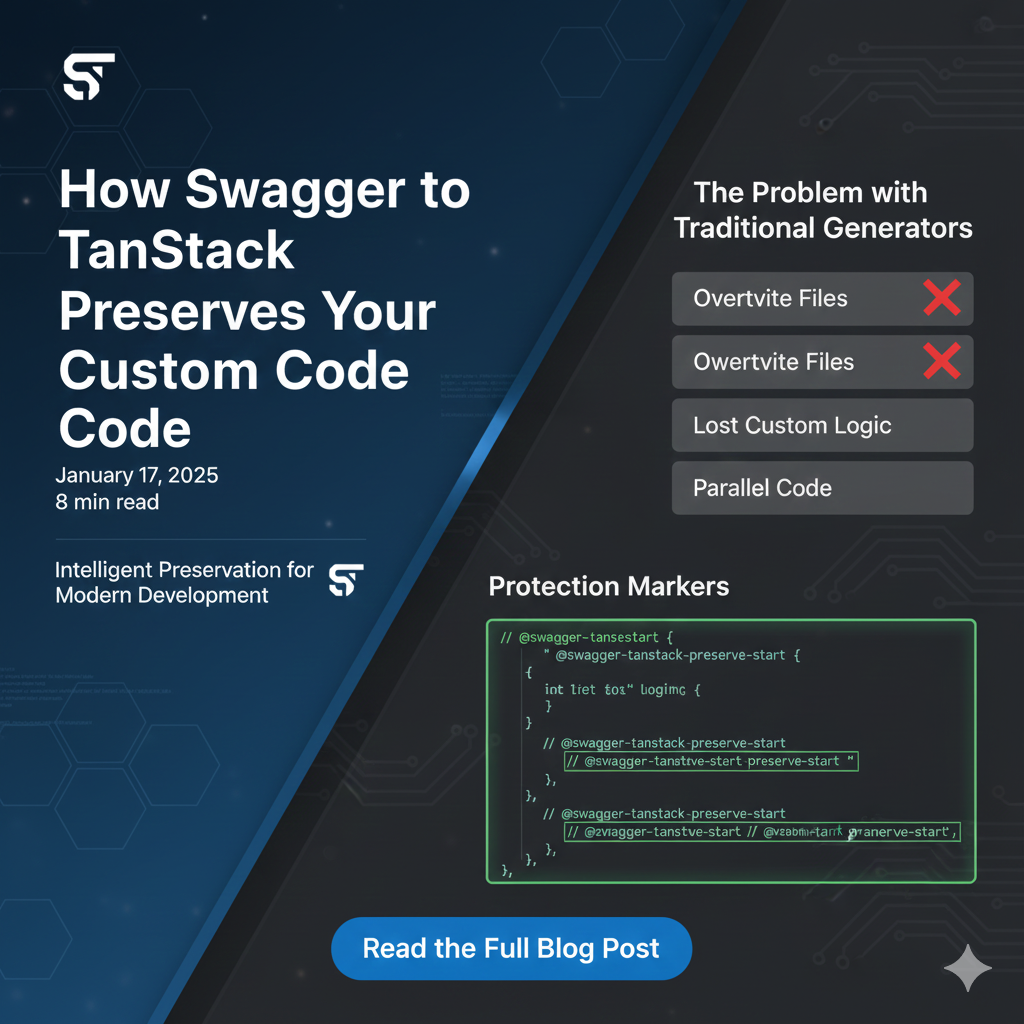
How Swagger to TanStack Preserves Your Custom Code
One of the biggest fears with code generation is losing your custom modifications. Swagger to TanStack solves this with intelligent preservation markers that protect your changes during regeneration.
The Problem with Traditional Generators
Most code generators completely overwrite files on every run. If you've added custom error handling, logging, or business logic, it gets deleted. This forces you to either avoid customization or maintain parallel code files.
Protection Markers
Swagger to TanStack recognizes specific comments that mark files as customized:
The update Command
Use the update command instead of generate to safely update existing code:
The update command:
- Scans all generated files for protection markers
- Skips files that contain any marker
- Only updates unchanged, auto-generated files
- Shows a summary of which files were updated vs preserved
Best Practices for Customization
1. Add Markers Early
As soon as you modify a generated file, add a marker:
2. Document Your Changes
Use TODO markers to track custom modifications:
3. Organize Custom Logic
Keep custom code in separate files when possible:
When to Regenerate vs Update
Use generate when:
- First-time setup
- Major API restructuring
- You want a clean slate
Use update when:
- Regular API changes
- You have custom modifications to preserve
- Incremental updates to existing code
Conclusion
With intelligent preservation markers and the update command, you get the best of both worlds: automatic code generation and the freedom to customize. Your modifications are safe, and your API client stays in sync with your backend.